Face Swap Uses Two Photos
The Face Swap tool at /face-swap takes a target photo and a face photo. The target keeps its body, crop, and scene. The face photo supplies identity.
Image and video studio on this page
Face Swap AI turns photos into short videos with the image-to-video studio on this page. Pick a model, set your controls, and open results from History.
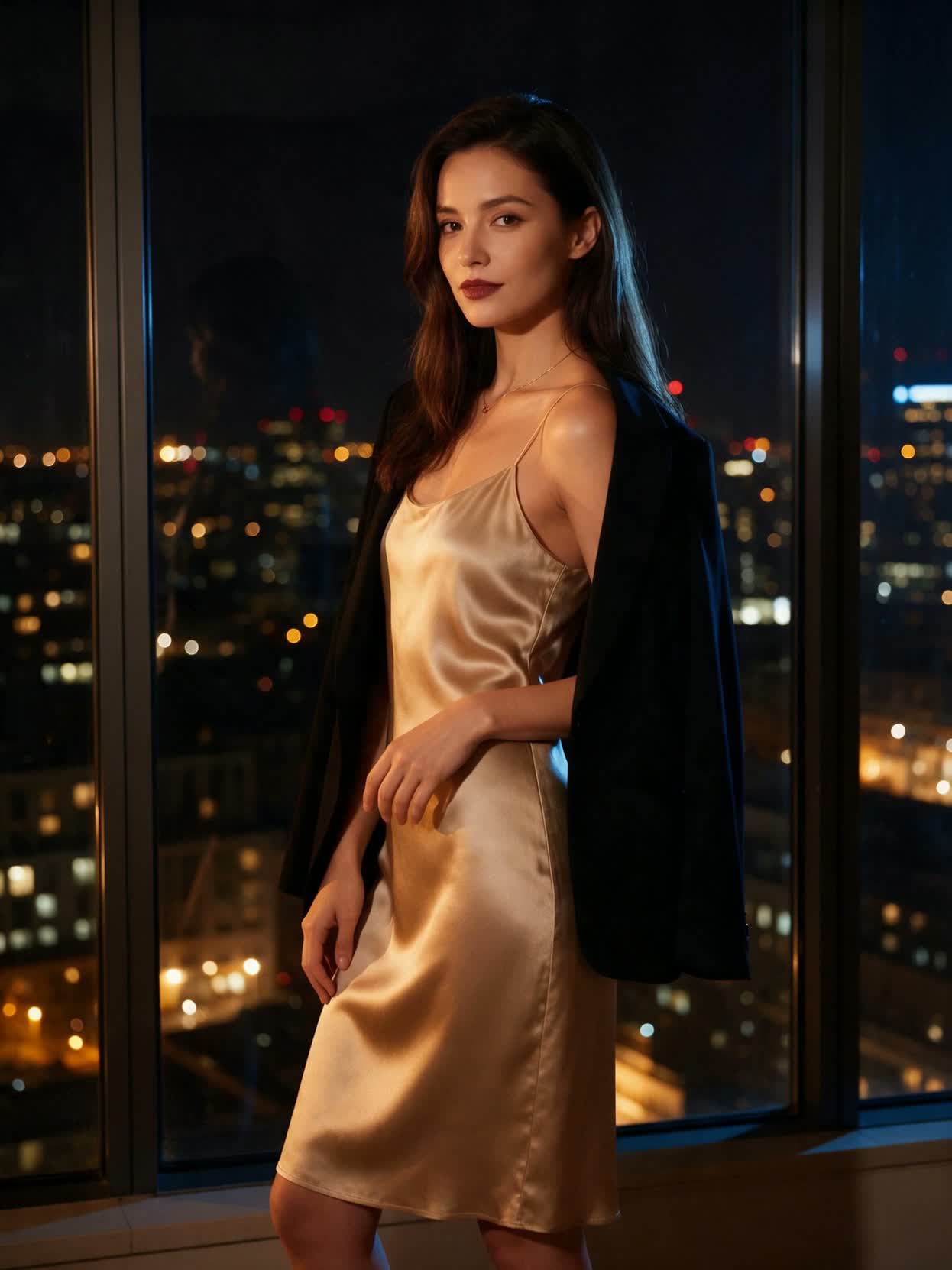
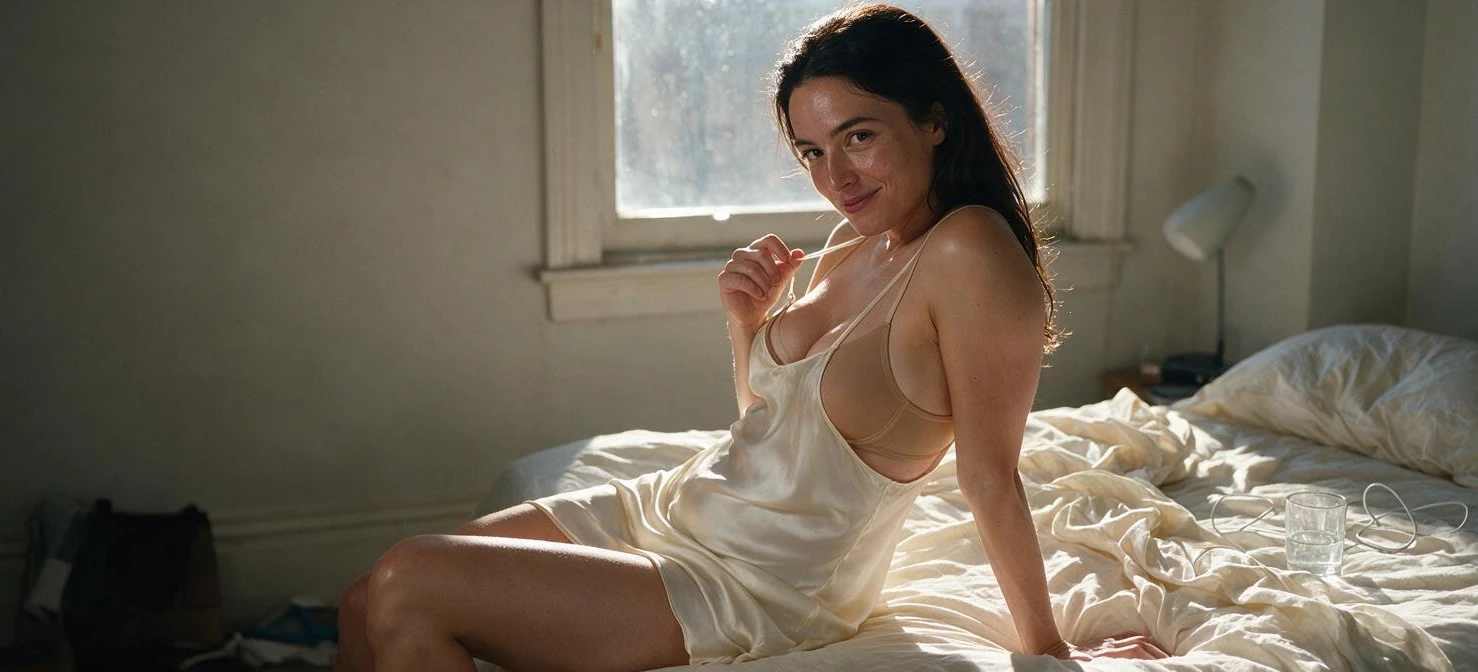
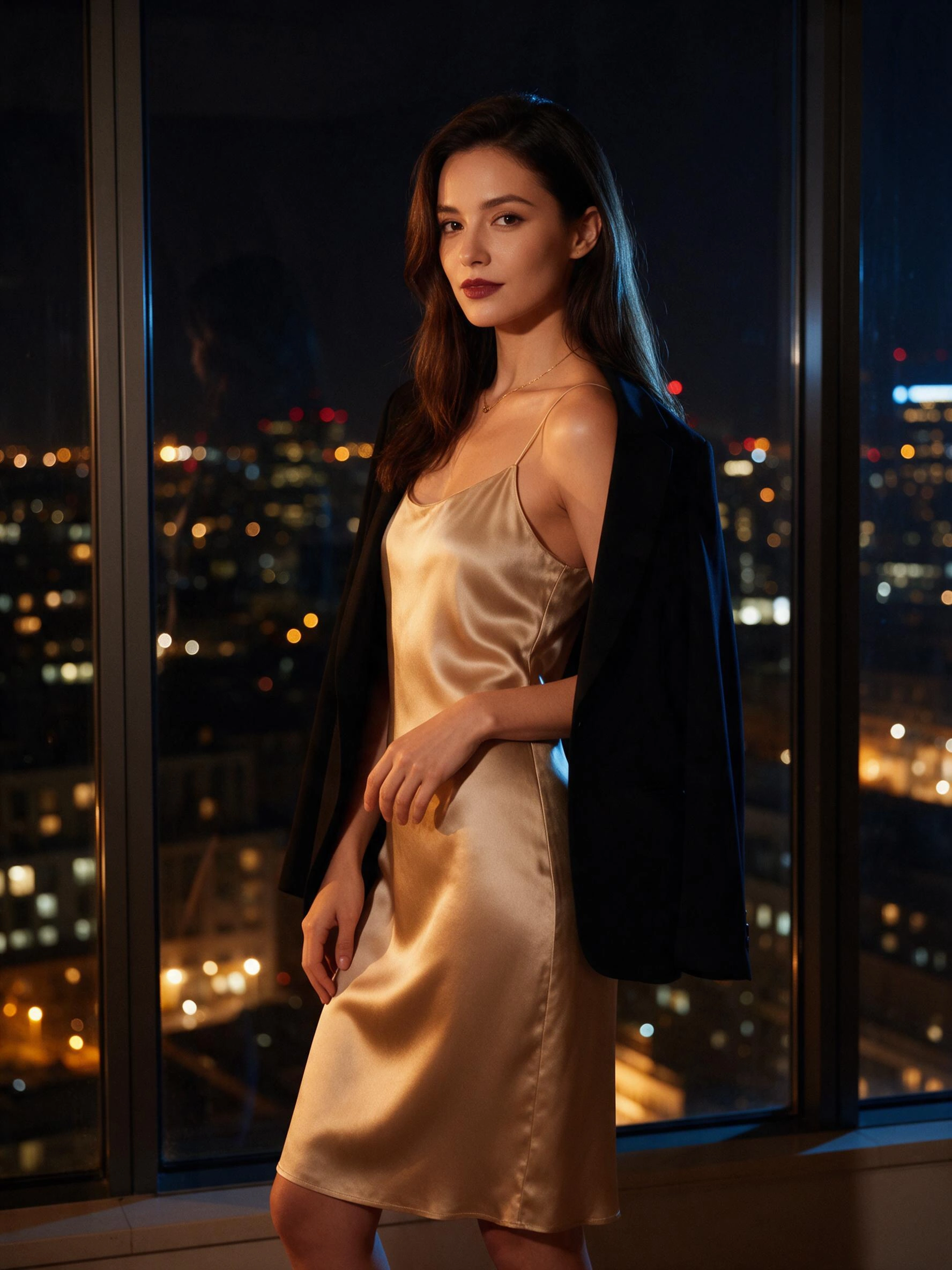
Silk, bare shoulders, and city lights
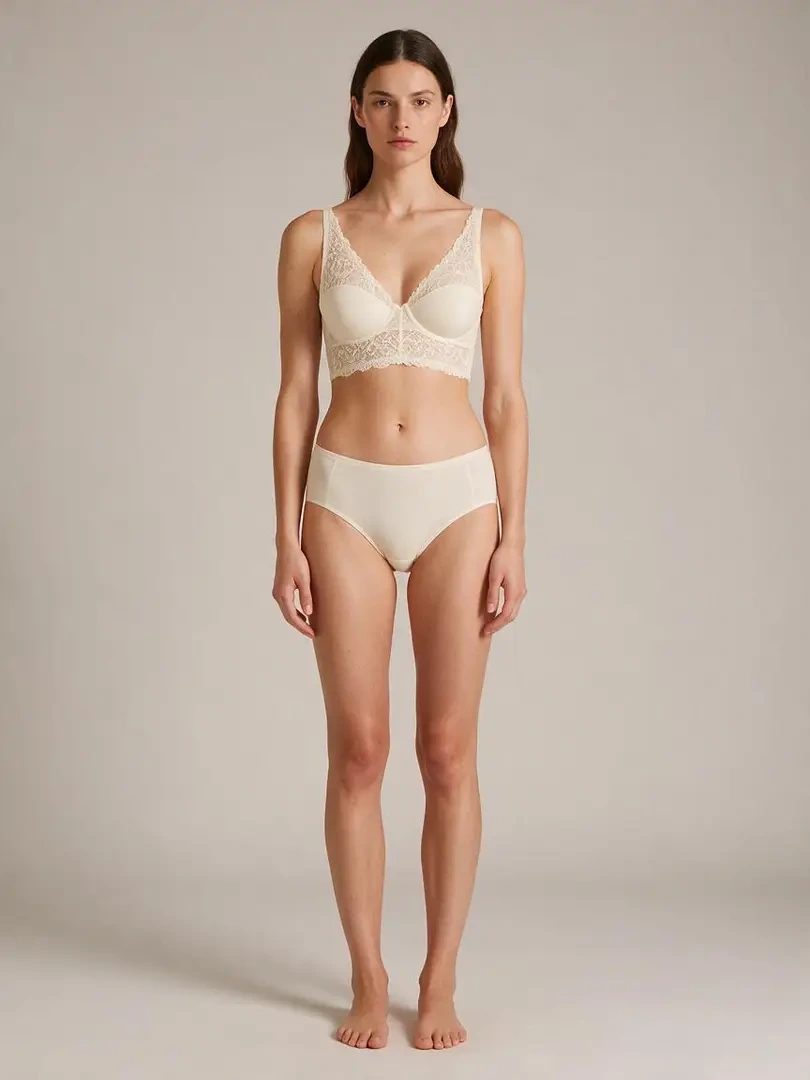
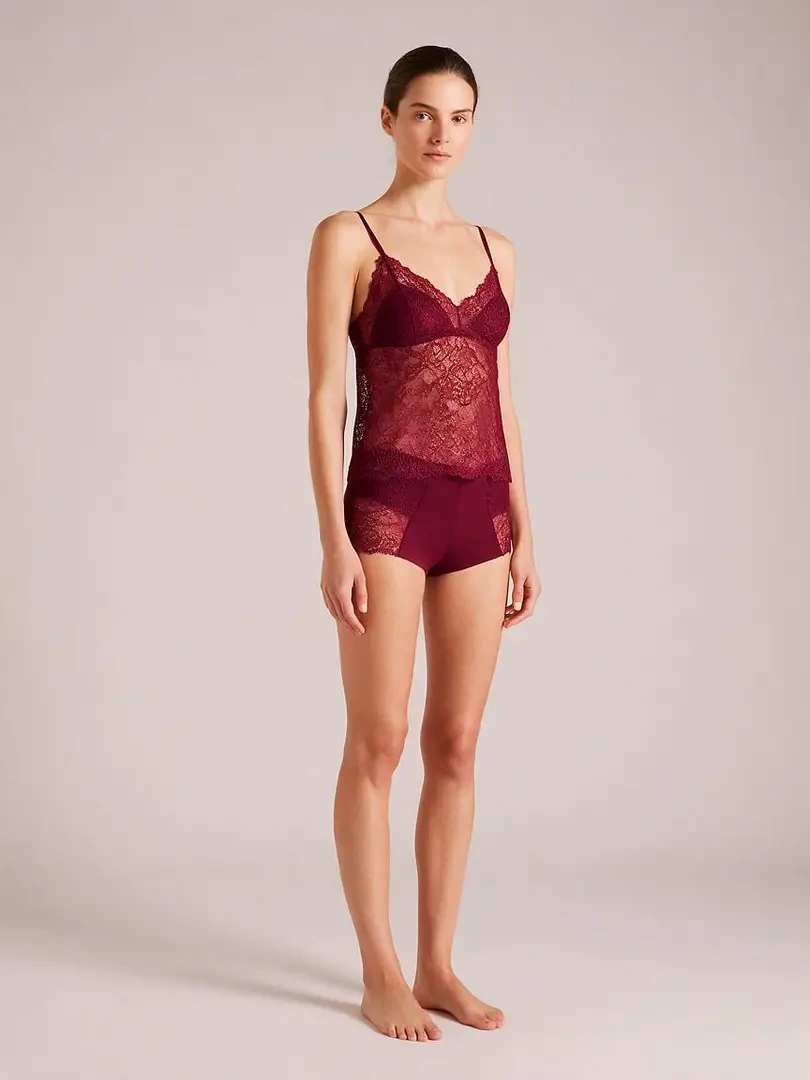
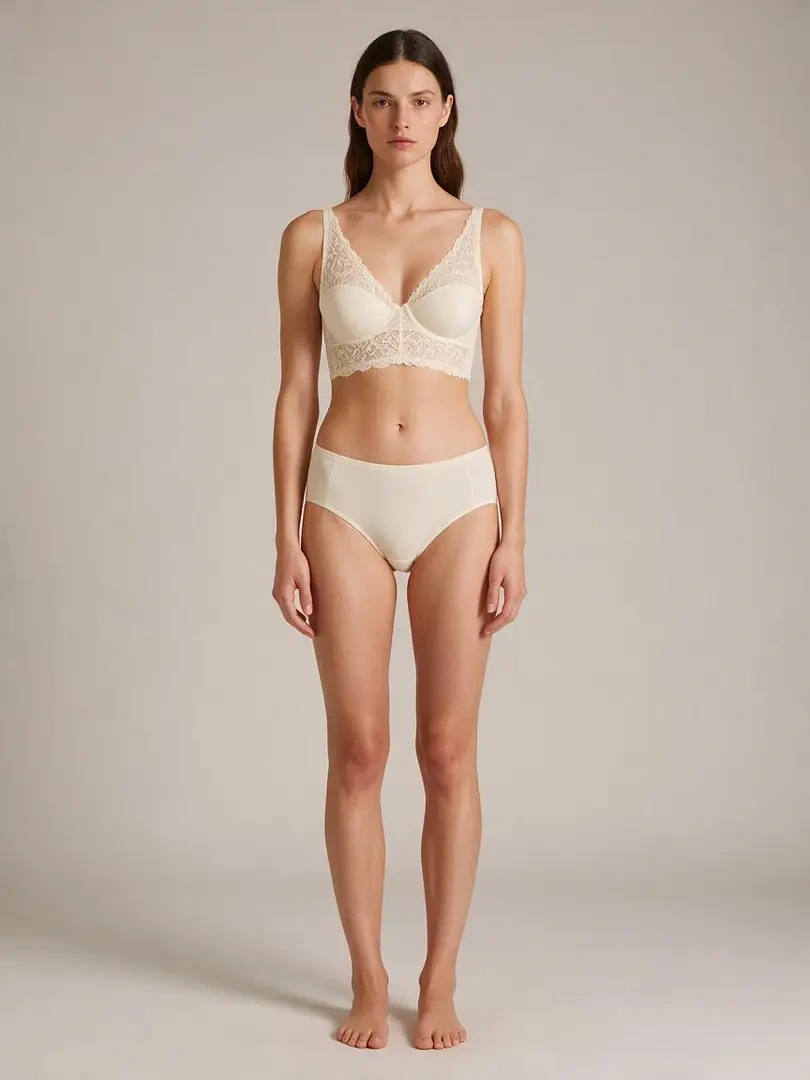
Lace lingerie in soft studio light
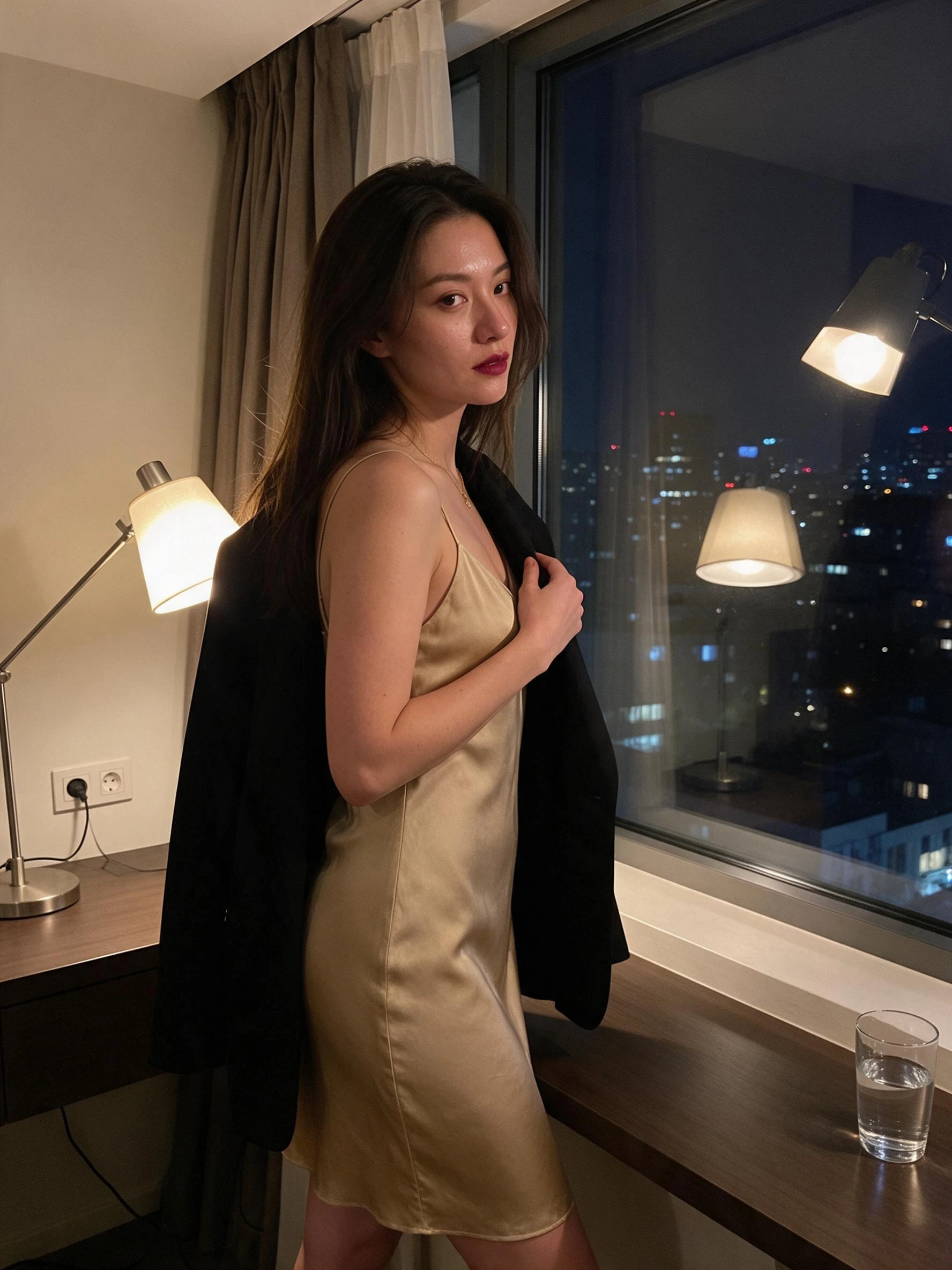
An intimate evening by the window
Face Swap is a separate tool at /face-swap that takes two photos. The target photo keeps its body, crop, and scene while the face photo supplies the identity, and an optional prompt handles small corrections only.
The Face Swap tool at /face-swap takes a target photo and a face photo. The target keeps its body, crop, and scene. The face photo supplies identity.
Head Swap runs on its own form and costs 8 credits. It is not merged with Face Swap, so you pick the tool that fits your edit.
The tool is for adult fictional characters or faces you have permission to use. It refuses minors and real identities you are not allowed to use.
A prompt is optional and only for small corrections. The credit cost is shown before you submit, and the catalog price for Face Swap is 6 credits.
The video studio turns a single still into motion with image-to-video, and it also accepts a written prompt through text-to-video. The default model is Wan 2.7 Spicy, and adult and NSFW controls are available in the studio.
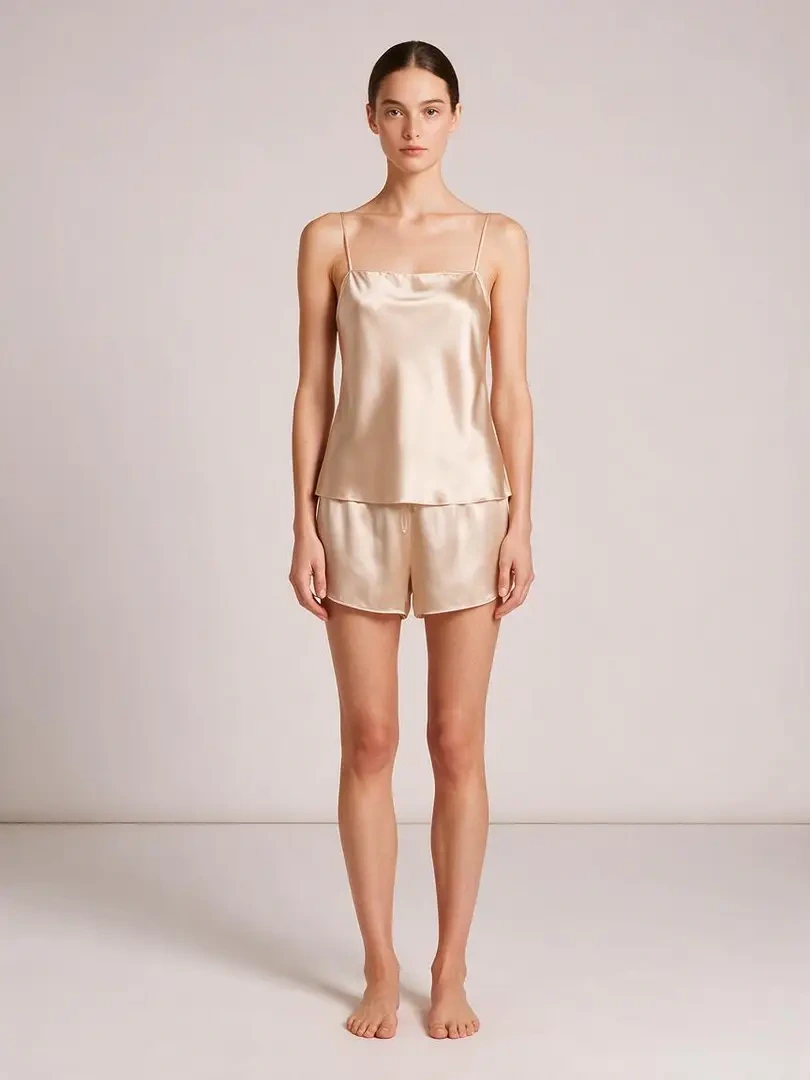
Start with one image and animate it in the image-to-video studio. The default model is Wan 2.7 Spicy.
Write a scene and generate it with text-to-video. No starting image is needed for this workflow.
Wan 2.7, Wan 3.0, Kling 3.0, and Seedance 2.0 are available as themselves. Choose the model that matches your scene.
The video studio has adult and NSFW controls. Set them before you generate so the output matches your intent.
The studio opens on this page so you can start without leaving the homepage. Credit cost appears before you submit, finished results are saved to history, and account setup includes email verification.
The image and video studio sits on this homepage. You can start a render without leaving the page.
Each tool shows its credit cost before you submit. Face Swap lists 6 credits and Head Swap lists 8 credits.
Finished results can be opened again from History, so you can review a render later.
Account setup includes email verification. Once verified, your credits and renders stay with your account.
Each workflow is a separate tool with its own inputs and price. Two-photo Face Swap costs 6 credits, Head Swap costs 8 credits, and the video studio handles both image-to-video and text-to-video generation.
Use the Face Swap tool at /face-swap when you want one face placed on another photo. It takes two photos.
Head Swap is a separate tool at 8 credits. Choose it when you want to replace only the head area.
Bring a still image into motion with image-to-video. The default model is Wan 2.7 Spicy.
Describe a scene and generate it with text-to-video. This workflow does not use the two-photo face swap form.
Aspect ratios include 1:1, 4:3, 3:4, 16:9, and 9:16, and a prompt can apply small corrections to the result. The sample wall shows studio examples rather than before-and-after face swap comparisons.
Face Swap supports 1:1, 4:3, 3:4, 16:9, and 9:16. Pick the ratio that fits your frame.
Add an optional prompt for small corrections. It is not required for a standard face swap.
The sample wall shows studio examples from this product. It is not a before-and-after face swap comparison.
Seedream 5 and Nano Banana 2 are available as themselves. Choose a model by name in the studio.
Account setup includes email verification, and the credit cost appears before you submit a job. Finished results open from history, and plans and credits are listed on the pricing page.
Account setup includes email verification. Check your inbox to finish the step.
The credit cost is shown before you submit. Face Swap is 6 credits and Head Swap is 8 credits in the catalog.
Finished results can be opened again from History whenever you return to your account.
The pricing page lists plans and credits. Review it before you start a longer project.
Open the studio on this page, pick a model such as Wan 2.7 Spicy or Kling 3.0, and set the adult and NSFW controls. Check the credit cost before you submit, then open the finished result from history.
Scroll to the image and video studio on this homepage. It opens here, not on another page.
Choose a model such as Wan 2.7 Spicy and set the adult and NSFW controls for your scene.
The credit cost is shown before submit. Confirm it, then start the render.
When the render finishes, open it again from History to review it.
Face Swap takes two photos and keeps the target body, crop, and scene, while the video studio runs image-to-video and text-to-video with named models like Wan 3.0 and Seedance 2.0. The tools refuse minors and unauthorized real identities, results can fail, and identity match is not guaranteed.
Face Swap uses two photos. The target photo keeps its body, crop, and scene, and the face photo supplies identity. The tool is at /face-swap and the model name is Face Swap.
No. The tool can fail occasionally, and an exact identity match is not guaranteed.
No. The studio on this homepage is an image-to-video studio. Its default model is Wan 2.7 Spicy, and it also offers text-to-video.
Wan 2.7, Wan 3.0, Kling 3.0, Seedance 2.0, Seedream 5, and Nano Banana 2 are available as themselves. Each keeps its own name.
Account setup includes email verification. After verification, your renders and credits stay with your account.
Face Swap is for adult fictional characters or faces you are allowed to use. It refuses minors and real identities you are not allowed to use.
Start Your Next Render on This Page
The studio opens here with image-to-video and text-to-video. Set your controls, check the credit cost, and open results from History.